Here we are going to discuss about some trending video editing app in india, that has been loved by the video editors. These app are build with creative AI templates, smooth transition, high quality export and much more…..
1.Capcut
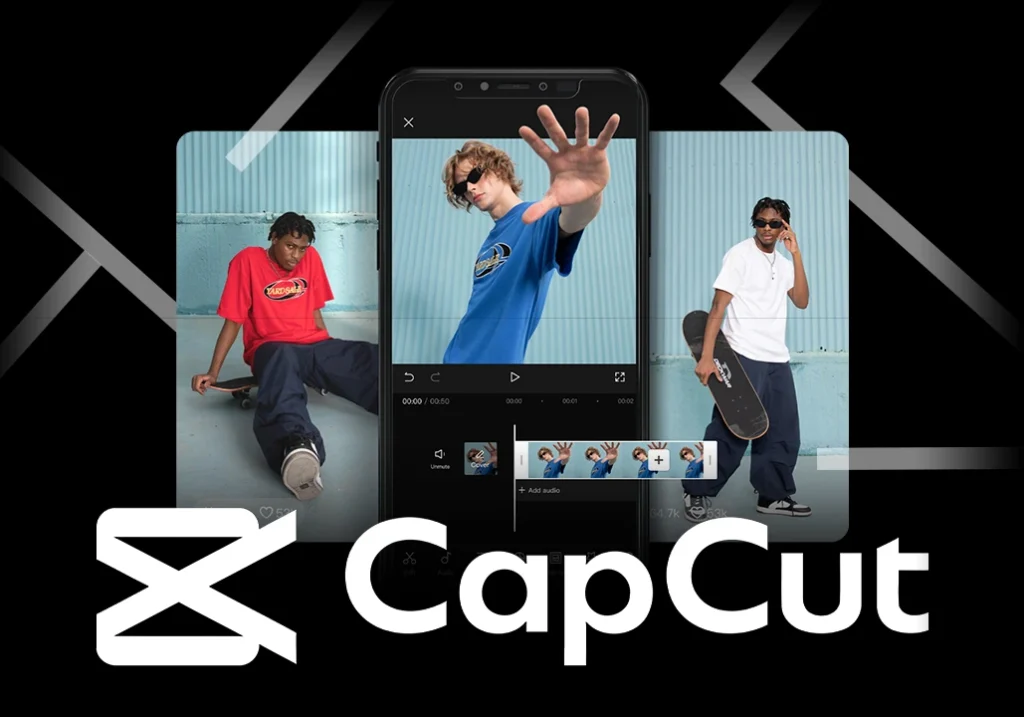
Capcut has becomes one of the most loved editing app for social media creators. It has smooth drag and drop timeline, with new vibrant templates, which gives speed to the project we’ll gone a build. In the latest 2026 version, capcut has introduced AI video creation i.e. the new feature will help to convert the image into the video. Capcut offers new effects, templates, and remove watermark in image and video. It help creators to move quilky and strongly into the short reel content. Capcut provides the great editing experience to new creators who are new to this industry.
Key Features:
- AI Captions
- New trending templates
- AI music sync
- It support 2K/4K video quality for export
Pros:
- No watermark while we export video
- Free
- New templates and effects for video creators
Cons:
- Some times it creates lag problem while we edit longer or high quality clip
- Some times it doesn’t support 2K/4K quality video while exporting, it simply lowers the resolution of the video
2.InShot
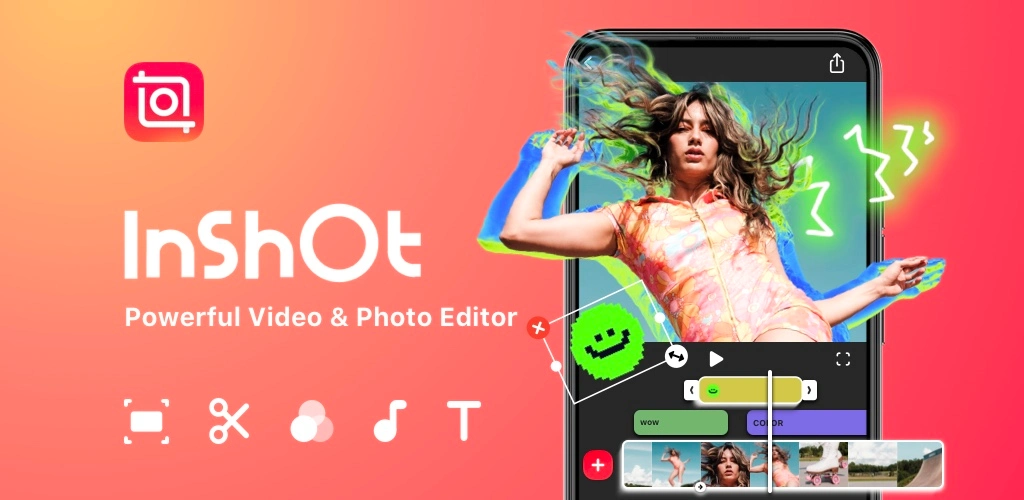
InShot is a great editing app for the begginers, this app has basically indulged with creative templates, better effects and fast export grab creators content for Instagram Reels, Youtube Shorts and so on. This app will gives you features like- trimming, video merger, speed adjustment, stickers. In this app, some features are free but some features are paid and also known as trending video editing apps, if you need to uses those features you shall buy the premium feature as they were locked. But still we can say that, InShots remains a better editing app.
Key Features:
- Easy for creators to sync the music to a clip
- Filters
- Transition effect
- Control of speed
Pros:
- Easy to run this app
- Ideal for begginers
Cons:
- Never remove watermark in free plan
- Ads between the video while we edit
3.VN
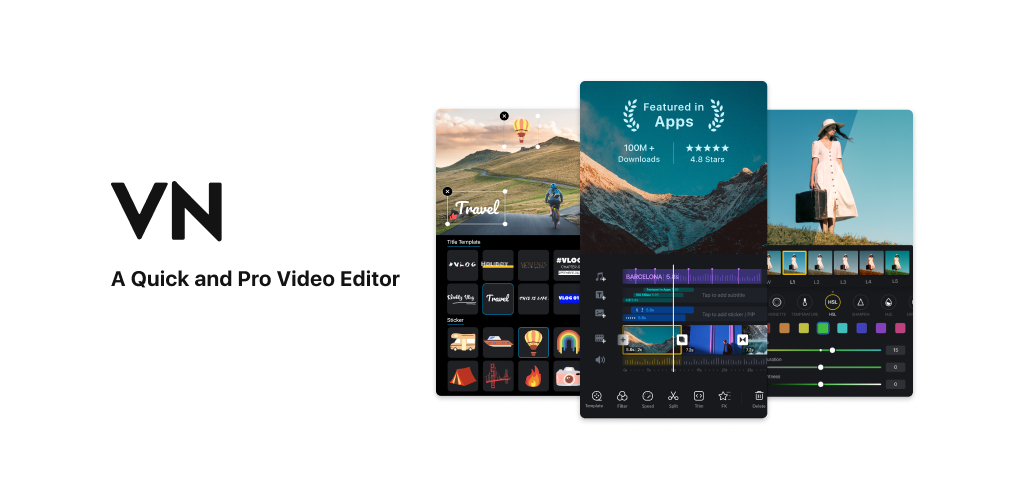
VN video editing app is the best video editing app and is build with professional level controls, free tier depth, multi-track tiimline, keyframe motion control. This app is good for editing as it doesn’t create any watermark in a video, and high resolution quality of export increases its value. Curve shifiting in this app is so great as it increases or decreases the speed of the video according to your need.
Key Features:
- New effects
- Multi-layer timeline
- Keyframes
Pros:
- Advanced editing features
- No watermark
Cons:
- Curves in this apps sometimes doesn’t work while editing the video
- Lag problem while edit the longer video
4.Kinemaster
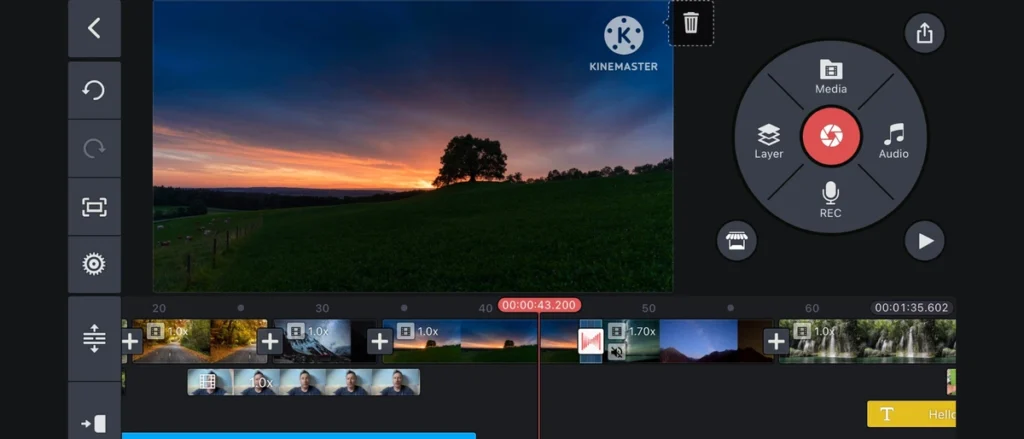
Kinemaster is an all in one editing app, created for the beginners, whom are new to this editing field. It supports chroma keys blending modes that support 4K export and accurate frame edit. However, free version keeps a watermark in video and limited usable features. This app is basically good for beginners or who does edit in mobile. But for the pro level editing they need to use desktop, pc for the use of expandable pro effects.
Key Features:
- Layer blending
- Chroma key
- High-end transition
Pros:
- This app support 4K export
- Fast render of the video
Cons:
- Watermark in free version when we export our video
- Premium version required subscription
5.Adobe Premiere Rush
Adobe Premiere Rush is a best editing tool, created for mobile editors, it has cross device support that flow smoothly from our phones to pc. Adobe has created a legacy i.e. a person who will uses their application will always be a pro editor. It has AI powered cleaning system, cloud based projects, AI auto-correction mode. In 2025, this app is in the list of top trending video editing app.
Key features:
- Auto sound management system
- Cloud storage for data
- Cross device syncing
Pros:
- watermark occur while we export our video
- Best editing app for smooth workflow
Cons:
- It has limited templates in free version
- To use more features we need to purchase premium version
6.FilmoraGo
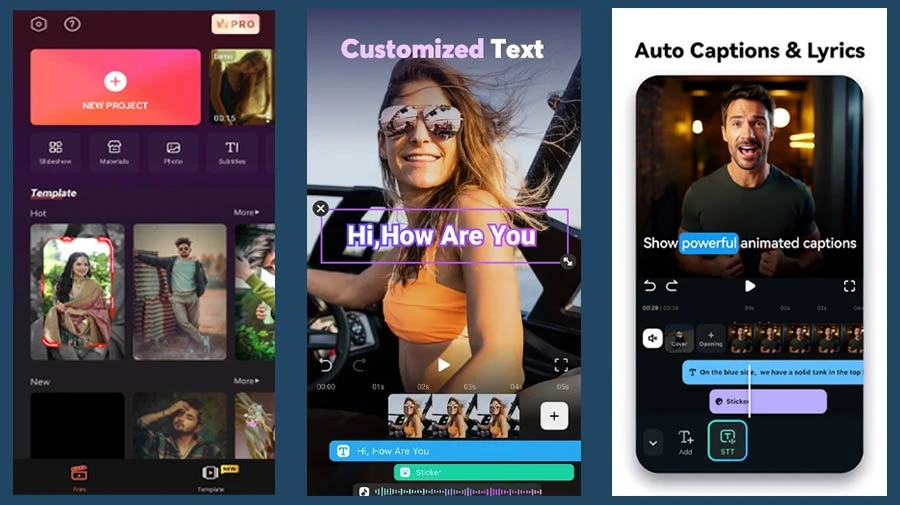
FilmoraGo becomes an ideal video editing app for creators, the people who want to stylized or polish their video like professional’s without deep learning curves. This app has creative templates, filters, AI text, AI auto cut. The interface of app is friendly for the beginners, this app allows high quality format export. The free version of the app includes a watermark, to remove this we have to purchase the premium version of this app. But in the end we can say that this app is a best editing app for creators.
Key Features:
- Animated Text
- Filters
- Templates
- Trimming
Pros:
- This app is friendly for the beginners
- Design is clean
- Templates are good
Cons:
- Watermark doesn’t remove unless we purchase premium version
- Effects or filters are simple in the free version
7.VivaVideo
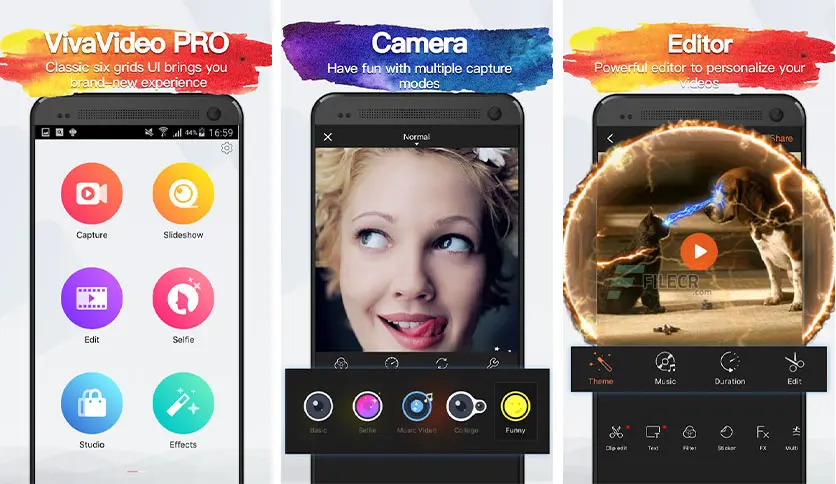
VivaVideo is one of the most funniest video editing app, added with creativity. This app has lean playful smooth transition, social friendly features which grabs new creators who wants to create new short form contents. This app has a feature like advanced multi track syncing loop, in this app longer format video can be editied so comfortably. Overall, this app is best for video editors as it doesn’t create any watermark when we export our project.
Key Features:
- Creative stickers
- Advanced transition
- Instant sharing after export
Pros:
- Best for those editors who wants to create fun videos
- Creative stickers will enhance your project
Cons:
- Some features in this app is limited in free version
- Premium version has more features
8.PowerDirector
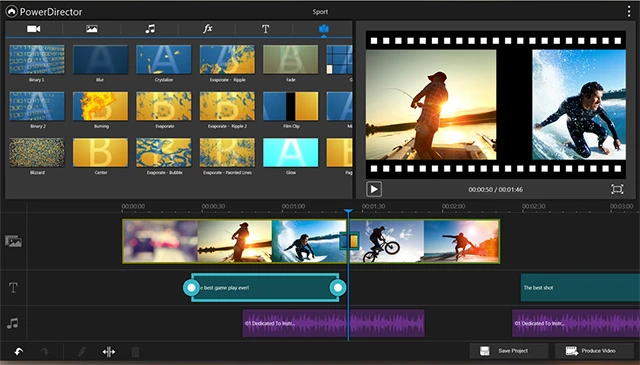
PowerDirector is an most advanced video editing app that gives you desktop like video editing experience in your phone when you edit your project, this app has a feature like greenscreen (chroma key), stabilization, multi-layer editing. In free version of this app create watermark after the export of project. This app is best for those editors who want to edit longer format video, multi-layer video track, sharp audio control. Mainly this app is craxy for professional video editors.
Key Features:
- Green screen (chroma key)
- Timeline video editing
- Multi-layer editing
- Stabilization
Pros:
- This app support 8K video quality while export
- Smooth great performance
Cons:
- Free version has watermark
- Premium version is little bit costly